
 If you still have questions or wish to entrust the repeater installation to professionals, we will gladly do it. You can submit an application for an inspection on our website or call the phone number listed on the site.
For a regular user, it doesn't matter what standard their mobile phone operates on. However, when it comes to choosing a GSM repeater, this information is crucial. There are several ways to find out which standard your mobile operator uses:
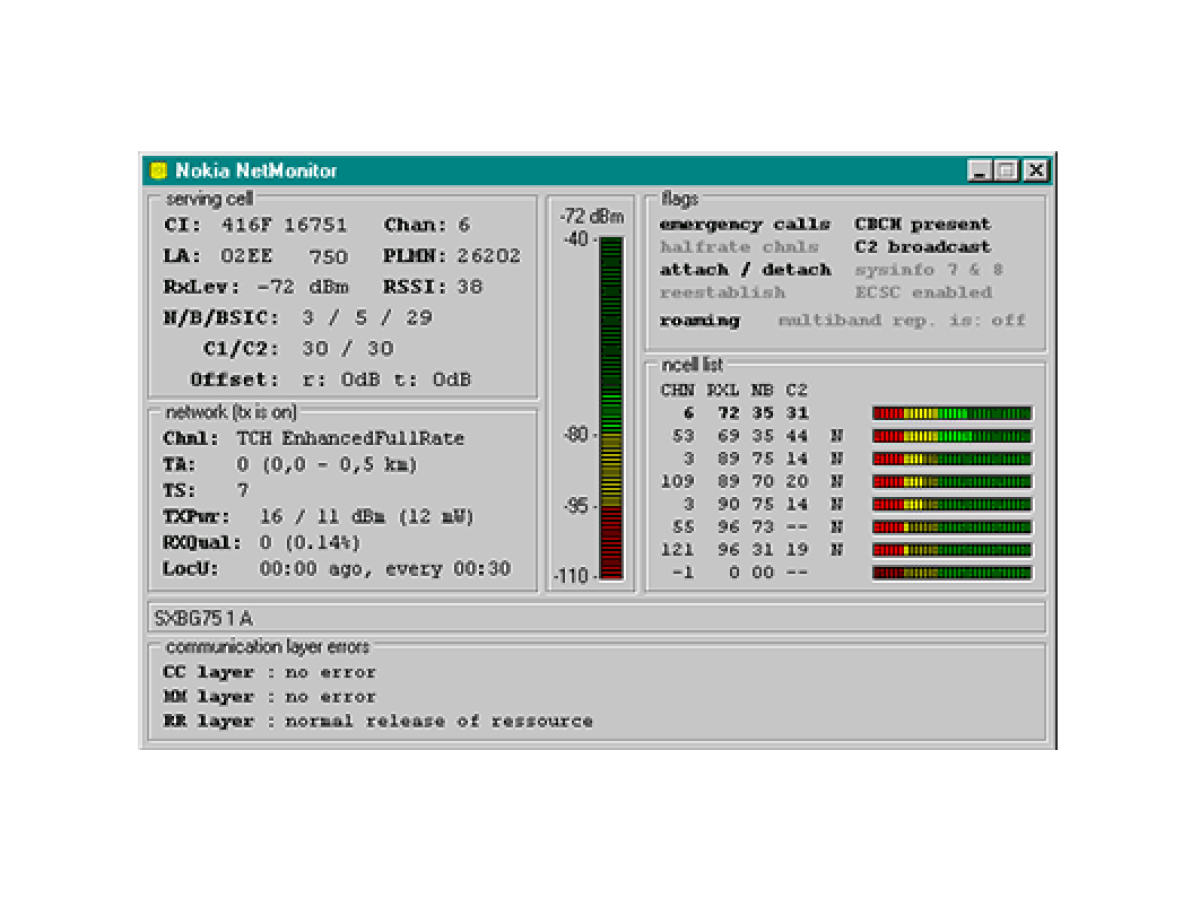
Using the Netmonitor or G-Mon application on Android mobile phones.
Activating Netmonitor mode from the phone's service menu.
Using a special signal spectrum analyzer.
Detailed Description of Entering Netmonitor Menu on Samsung S-5830 Phone.
Netmonitor and G-Mon applications can be downloaded from the Android Market. Detailed instructions on how to use them are available in the Market, so we will not dwell on them here.
Let's consider the option of using a mobile phone by entering its service menu. For this, we will choose the most common and inexpensive phone model – Samsung S-5830.

Entering the service menu is done via the key combination *#*#197328640#*#*.
1. The following information will appear on the screen: |
2. You need to select the first item "Debug screen" |
|
 |
 |
|
3. Select the "Basic information" item |
4. Return to the previous menu |
|
|
This is the most important mode for us in Netmonitor for choosing an amplifier. We can now see in the upper left corner that the standard is GSM-1800, and the channel is 625. The signal level is -77 dB (Rx Pwr: -77). |
You can return to the previous menu by pressing the bottom left key and clicking "Back". In the previous menu, there is a section that helps understand which standards are operating nearby, but either our phone does not want to show it, or Samsung did not provide for this. |


However, if you don't have this particular model at hand, we offer a list of other models where you can access the built-in "netmonitor". We have not personally verified the functionality on other models, but we hope you will also be lucky.
|
Apple iPhone 2g, 3g, 3gs, 4g, 4gs – firmware version 5.0.1 Android HTC EVO, HTC Incredible, HTC Touch – Verizon HTC Wizard 8125, 2125 HTC Thunderbolt, HTC Inspire 4G HTC Touch LG LX-350, LX-550 Fusic(Sprint) LG PM-225, PM-325, MM-535, LX5400 LG C900 Windows 7 smartphone LG CG300, C1300, L1400, C2000 (GSM Phones) LG CU400, CU500, TU550 (GSM) LG 510 LG Sprint Touchpoint 1100, 2100, 2200, 5250, 4NE1, 1010, 1200 LG VX-5300 Motorola Droid Quickly dial *#*#4636#*#*, then select Phone info. Motorola C290 (Sprint) Motorola Q(Verizon) Motorola Q (Sprint) Motorola V551, V555, V557 (GSM) |
Nokia 2100 Nokia 6215i, 6315 Samsung A310 MENU, 0, select DEBUG Samsung A460, 3500, A540 Samsung A500, N400 Samsung A530, N330 Samsung A620, A660, A860, M300 Samsung A630, A650, N330 Samsung A670, A570 Samsung A560, A740, A760, A840, A880, P207 Samsung A790 Samsung A740, A850, A930, U740, A870 (Verizon) Samsung A900, A920, A570 Samsung E105, D807, A517, E316, E317, X426, X427, X475, S300, S307, D347 Samsung BlackJack SGH-I607, A412, BlackJack II Samsung i730, I760 (Verizon) Samsung N240 Samsung U520, U340 Samsung C170, X820 |
Detailed Description of Entering Netmonitor Menu on iPhone.
 |
3G must be enabled. |
|
E icon – phone in GSM mode |
|
|
|
Then press GSM Cell Info |
|
Then press Neighboring Cells |
|
|
|
Next, you will see a list of operating channels |
|
-86 – is the signal level of the Active channel number: If the channel value is If the channel value is |
|


If you still have questions or wish to entrust the repeater installation to professionals, we will gladly do it. You can submit an application for an inspection on our website or call the phone number listed on the site.